
Fpv Drone ELRS Receiver ExpressLRS 2.4GHz 915 433Mhz NANO Receivers
$15.99
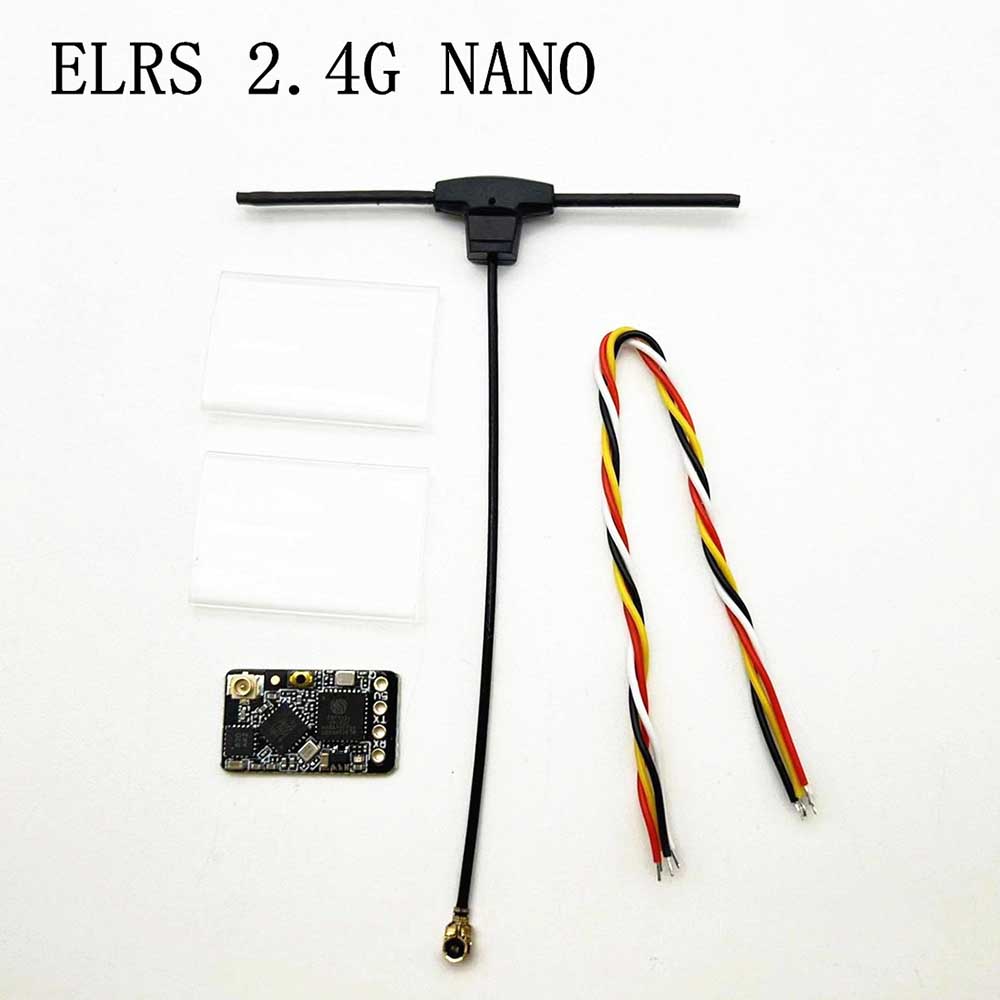
- Model:ELRS 2.4G NANO
- RF Freq:2.4Ghz
- IC:SX1281+ESP8285
- TX Power:100mW
- Color:Black
- Connector:IPEX 1
- Input Power:3.6-5.5V
- Weight:0.4g(receiver only)
Description
ELRS Receiver
Here is a professional English product attribute introduction based on the specifications ELRS Receiver you provided:
Product Name: 30A High-Current Electronic Speed Controller (ESC) / Electronic Switch ELRS Receiver
Product Overview:
This is a compact, lightweight (10g) high-current electronic switch ELRS Receiver designed for precise control of brushed motors, water pumps, and other DC devices in model and robotic applications.
Key Specifications:
- Application: Ideal for use in model airplanes, Unmanned Aerial Vehicles (UAVs/drones), ship models, and water pump systems.
- Voltage Range: Wide input voltage compatibility ranging from 3.7V up to 27V (Supports 1S to 6S LiPo batteries).
- Current Rating: Maximum continuous current of 30A.
- Control Signal: Standard PWM (Pulse Width Modulation) signal input for precise throttle or speed regulation.
- Weight: Ultra-lightweight design at only 10g, minimizing impact on overall vehicle balance.
Connector Configuration:
- Control Connector: JR Male (compatible with standard receiver outputs).
- Input Connector: JST Male (Power input from the battery).
- Output Connector: JST Female (Connection to the motor or pump).
Fpv Drone ELRS Receiver:
- ExpressLRS aims to provide the best completely open, high refresh radio control link while maintaining
- a maximum achievable range at that rate with low latency. Vast support of hardware in both 900 Mhz and 2.4 GHz frequencies.
- Model:ELRS 2.4G NANO
- RF Freq:2.4Ghz
- IC:SX1281+ESP8285
- TX Power:100mW
- Color:Black
- Connector:IPEX 1
- Input Power:3.6-5.5V
- Weight:0.4g(receiver only)
- Size:11mm*18mm
- Firmware: BETAFPV Nano 2400 RX 2.2.0
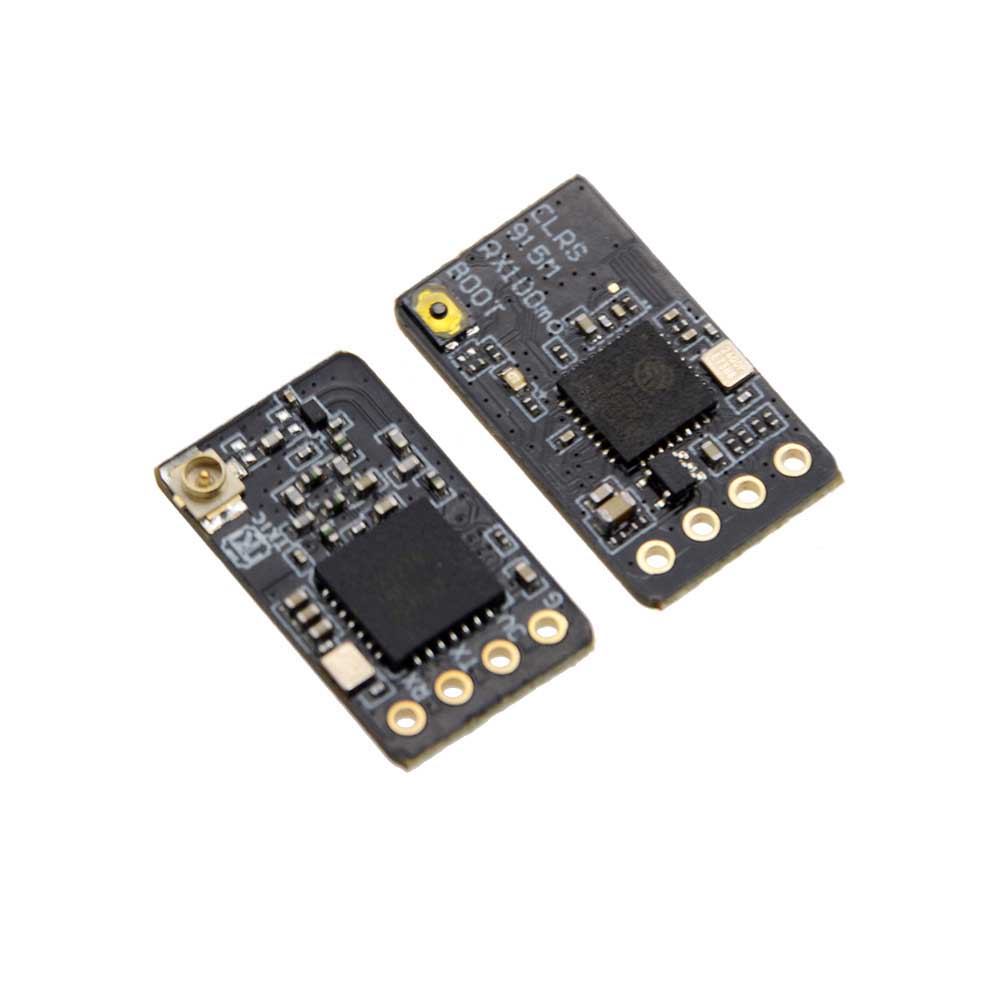
- Model:ELRS 915M NANO
- RF Freq:915Mhz
- IC:SX1276+ESP8285
- Color:Black
- Connector:IPEX 1
- Input Power:3.6-5.5V
- Weight:0.6g(receiver only)
- Size:11mm*18mm
- Firmware: BETAFPV 900 RX 2.2.0
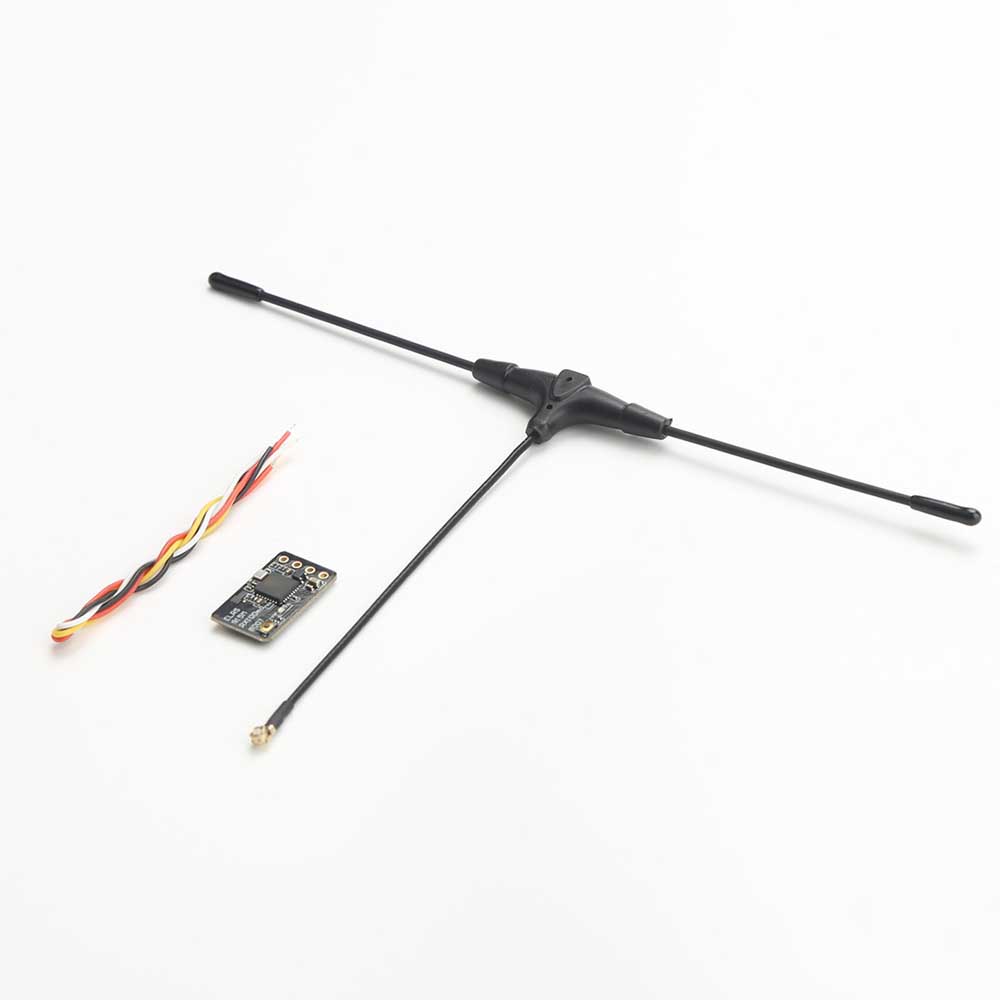
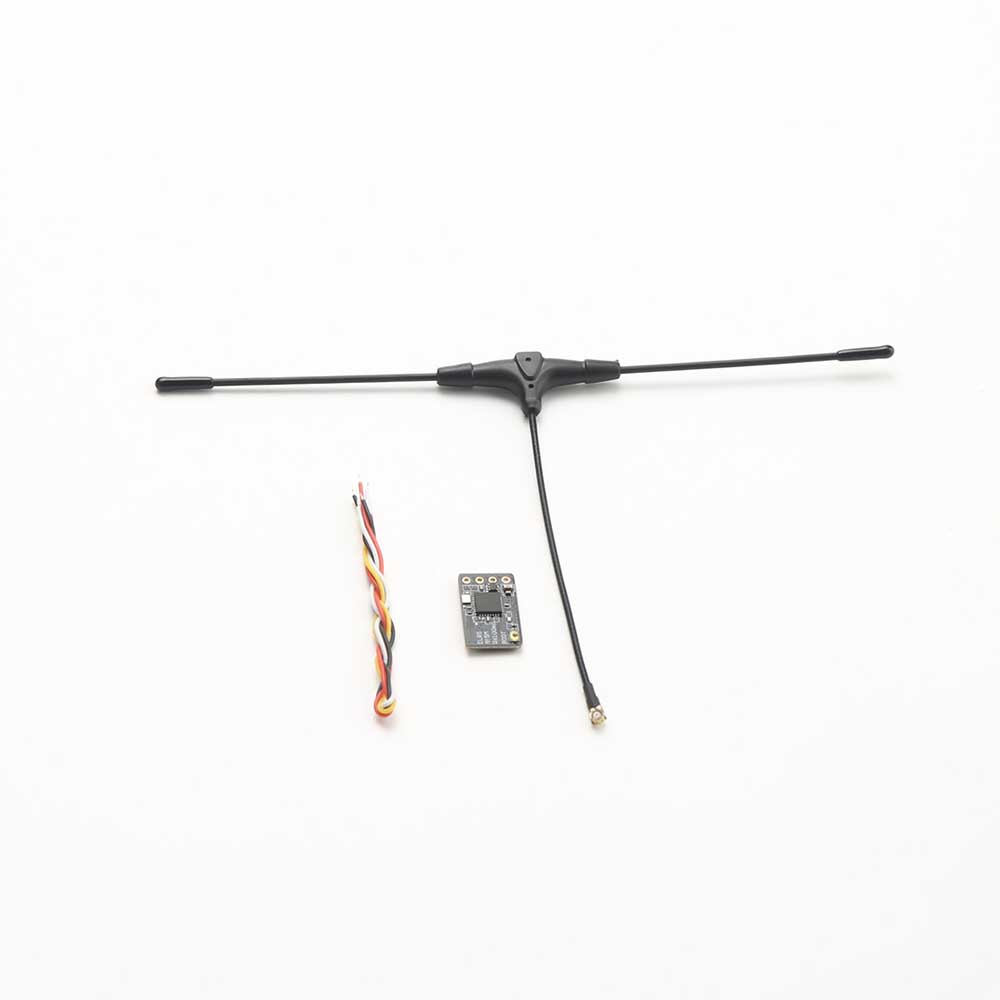
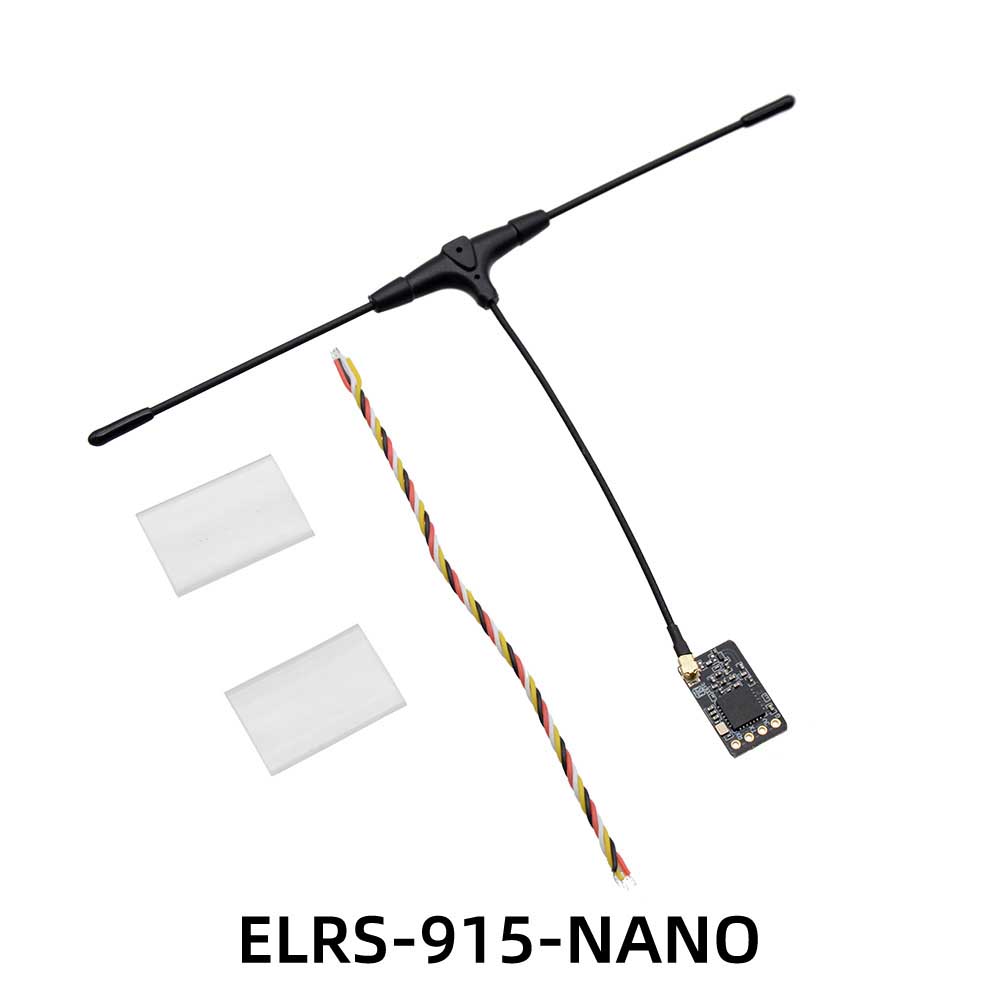
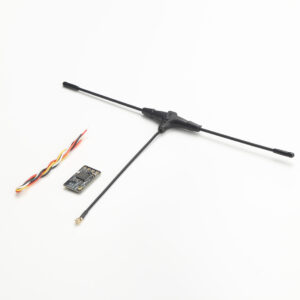
- Package Included:Nano Receiver x 1 T type receiver antenna x 1 Heat shrink tube x 2
Frequently Asked Questions
1. Q: Can this ELRS Receiver be paired with drone Receiver high-frequency head of brand xxx?
A: The ELRS project is an open-source project. Therefore, as long as the high-frequency heads use the ELRS protocol, regardless of the brand, they can be paired with each other, but three conditions must be met:
1. The frequencies must be the same, either both 2.4G or both 915MHz.
2. The firmware versions must be consistent. For example, if the high-frequency head is flashed with firmware version 2.5.0, the receiver must also be flashed with firmware version 2.5.0.
3. Both must have no pairing password or have the same password set.
2. Q: How to enter the pairing mode?
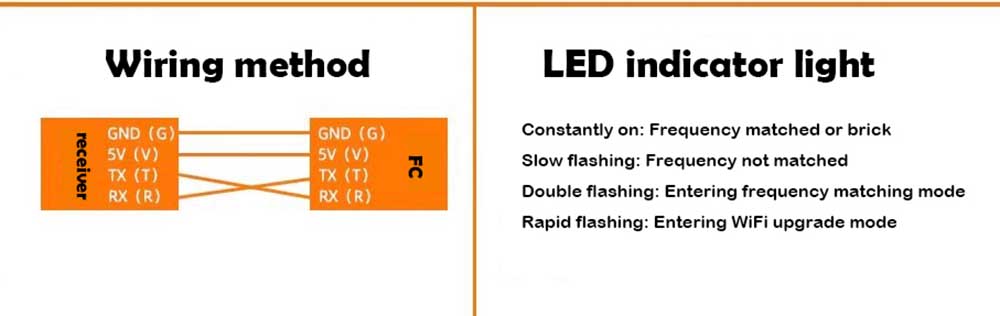
A: After soldering the receiver, power the aircraft on and off three times quickly: power on, power off, power on, power off, power on without power off. The intervals should be within 1.5 seconds. If done correctly, the receiver’s light will flash rapidly twice, indicating it is in the pairing mode. At this point, press the bind key (pairing key) on the remote control script to pair. If the pairing is successful, the receiver’s light will turn on steadily.
3. Q: Why can’t my ELRS Receiver enter the pairing mode for the first time? The light is always on.
A: After multiple after-sales services, we have encountered similar issues. It was found that some flight controllers’ TX and RX ports were abnormal, causing the receiver to enter the boot flashing mode upon power-on. In this case, simply changing the TX and RX ports on the flight controller can solve the problem.
4. Q: Why does the light of my ELRS Receiver keep flashing rapidly?
A: If the receiver does not enter the pairing mode after being powered on, or if it has been paired but the remote control signal is not received for 60 seconds, it will automatically enter the Wi-Fi flashing mode, and the indicator light will flash rapidly.
5. Q: How to enter the Wi-Fi flashing mode to flash the firmware for the ELRS Receiver?
A: The answer is the same as above. Just power it on and leave it alone. It will enter the Wi-Fi flashing mode in about 60 seconds, and the light will flash rapidly.
2.4G (915MHz) receivers are based on the open-source architecture and program of ExpressLRS. They use low-latency and high-refresh-rate RF chips, with a high refresh rate of 25Hz to 500Hz, making them very suitable for FPV racing and long-range FPV. At the same time, these receivers have ultra-light and ultra-small sizes, making installation more convenient and the aircraft more streamlined.
Q&A ELRS Receiver
1. What brands of drone ELRS Receiver high-frequency head can the receiver be frequency-synchronized with?
Answer: ELRS is an open-source project: it can be frequency-synchronized with any brand, but the following three conditions must be met:
① The frequencies must be the same, either both 2.4G or both 915MHz.
② The firmware versions of the high-frequency head and the receiver must be the same. For example, if the receiver’s firmware is version 3.0, the high-frequency head’s firmware must also be version 3.0.
③ Both must have no frequency-synchronization password or both must have the same password. (The receiver comes with no frequency-synchronization password by default.)
2. How to frequency-synchronize the ELRS Receiver and the high-frequency head?
Answer: Quickly power on and off the receiver three times. After the third power-on, the receiver’s LED will flash rapidly twice at intervals of 1.5 seconds. Then press the “bing” key on the remote control script (frequency-synchronization key) or the “bing” key on the high-frequency head to synchronize the frequencies. Once the synchronization is successful, the receiver’s LED will remain on.
3. Why does the ELRS Receiver’s LED remain on during the first use?
Answer: Abnormal connection between the receiver’s TX and RX ports and the flight controller causes the LED to remain on. Just replace the TX and RX ports. For example, if it was connected to the flight controller’s TX1 and RX1 ports the first time, you can switch to TX2 and RX2 ports; then enable the UART2 port.
4. Why does the ELRS Receiver’s LED flash rapidly?
Answer:H If the receiver does not receive a signal from the remote control within about 30 seconds after being powered on, it will automatically enter the WiFi firmware update mode, which is indicated by rapid flashing of the LED.
5. How to enter the WiFi firmware update mode to update the ELRS Receiver’s firmware?
Answer: The answer is the same as above. Just power it on and leave it alone. It will automatically enter the WiFi firmware update mode after about 30 seconds, indicated by rapid flashing of the LED.
Additional information
| Weight | 0.1 kg |
|---|---|
| Dimensions | 5 × 5 × 5 cm |
Related products









Reviews
There are no reviews yet.